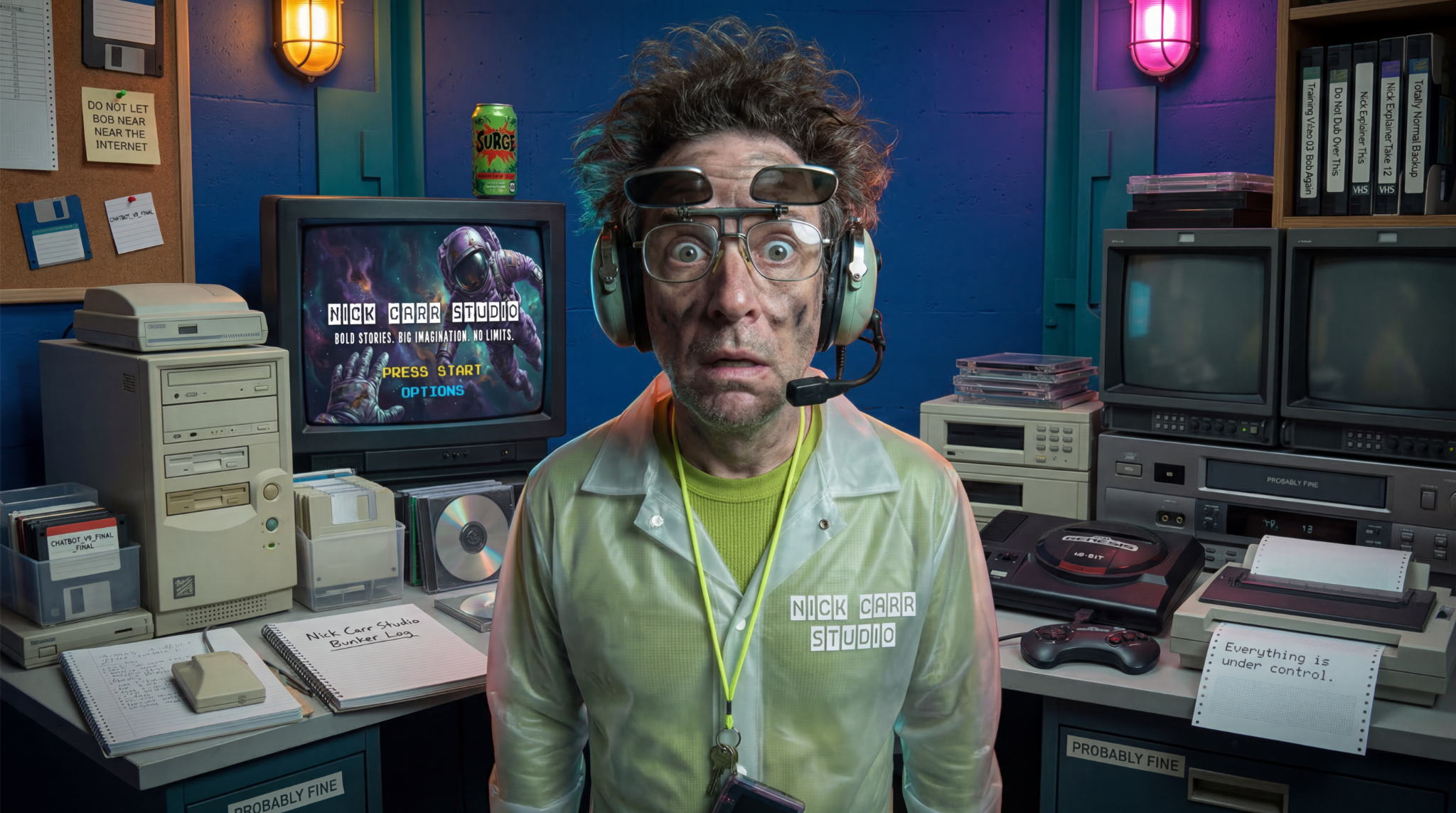
Talk face-to-face.
The Bob you can try here is the voice-based Bob 1.0 experience. It is built for live conversation and character performance without camera access or visual input.
Live Character Systems
Create a live character that can listen, think, answer, react, and stay completely in character. Give it a custom voice, personality, specialized knowledge, visual world, and a job worth doing.
Bob 2.0 commercial
Bob 2.0 is complete and available now for custom client builds. With permission, a custom Bob 2.0 character can use a camera to see the person or scene in front of it and understand a shared screen.
Loads only when you choose to play.Commercial demonstration // no public Bob 2.0 interaction
What a live character is
A live character combines real-time conversation, a designed identity, expressive facial performance, custom voice, personality, and specialized knowledge in one face-to-face experience. It listens to the person in front of it, thinks through the role it has been given, and answers in character.
Two systems / one custom character
Bob 1.0 handles live voice conversation and expressive character performance. Bob 2.0 includes everything in Bob 1.0 and can also respond to a permissioned camera view or shared screen in custom-designed client experiences.
The Bob you can try here is the voice-based Bob 1.0 experience. It is built for live conversation and character performance without camera access or visual input.
In a custom Bob 2.0 build, a visitor can grant camera access or share a screen. The character can then respond to the person, object, scene, document, interface, or problem it sees.
Character customization
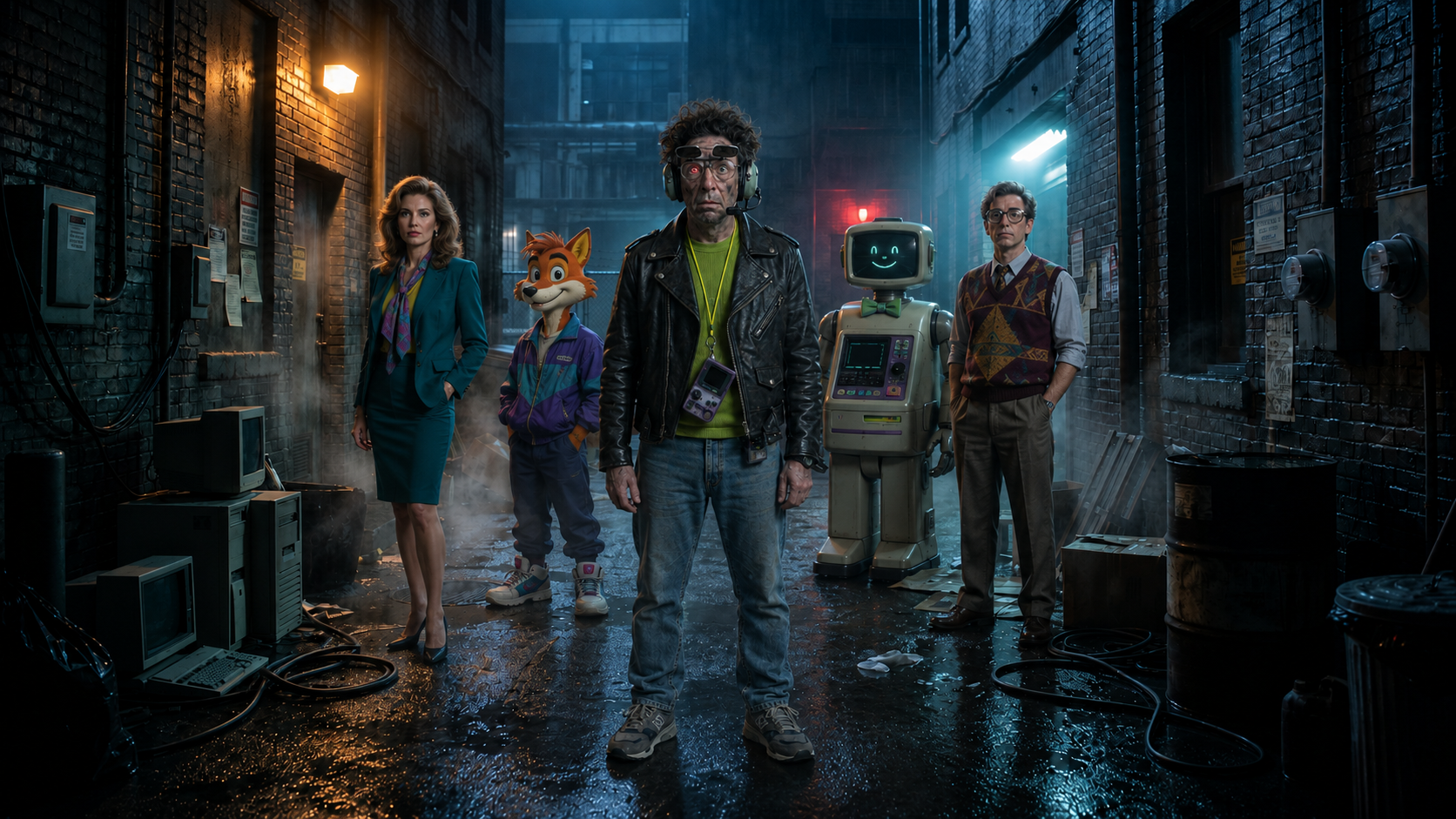
Human. Animal. Robot. Mascot. Product. Creature. Expert. Guide. Bob is only the demo. Yours can be taller, furrier, friendlier, or significantly less concerned about your open tabs.
Business use cases
Built for businesses, educators, brands, venues, organizations, and creators—not just entertainment. Start with the audience need, then design the right face, knowledge, personality, and experience around it.
How Nick Carr Studio builds it
Every build begins with the role and the audience. Nick Carr Studio develops the creative identity and the working system together, then tunes the complete experience around where and how people will meet it.
Clarify the audience, environment, desired outcome, knowledge needs, and the kind of live exchange the character must support.
Create the character’s visual identity, voice, personality, delivery, behavior, and the world it belongs in.
Connect specialized knowledge, live behavior, expressive performance, and—when the role calls for it—a permissioned camera or shared screen.
Refine the live experience for real audiences, delivery hardware, practical boundaries, and the moments that matter most.
From the Bob archive
The original Bob field report still has a home here. Tap or click the card to flip it over and watch the earlier character film.
Frequently asked questions
No. The public Bob is the voice-based Bob 1.0 experience and does not access your camera or screen. In a custom Bob 2.0 build, people can choose to grant camera access or share their screen so the character can respond to what it sees.
Yes. Nick Carr Studio can build a Bob 2.0 character that sees through a permissioned camera, understands a shared screen, and responds around a specific role, audience, and use case.
No. A live character listens and responds in real time. Its answers are not selected from a prerecorded dialogue tree or traditional script.
Almost anything. Human, animal, mascot, robot, object, creature, photorealistic, animated, polished, strange, or somewhere gloriously in between.
Project Builder
Bring the role, the problem, the world, or the wild idea. Nick Carr Studio will help shape the character and build the live experience around what it needs to do.